Sidereal Clock
Local sidereal time, GMST, UTC and Julian Date, on a clock you can trust
Mac: macOS 14 or later.
- Free
- No tracking
- Clock checked against NIST and Apple
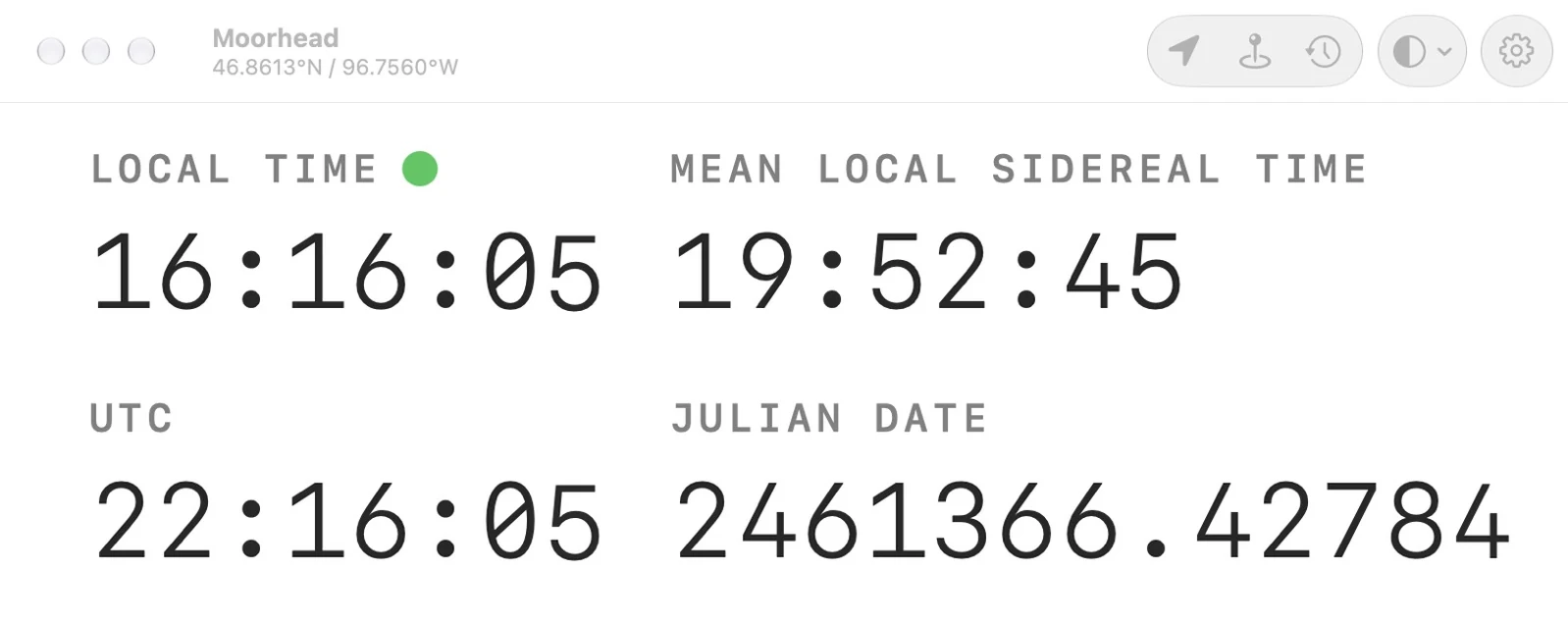
Sidereal Clock shows, in one window, local time, UTC, local sidereal time for your location and the Julian Date, all updated as they change. It is meant to sit in a corner of the screen at the telescope, or wherever you need to know which right ascension is on the meridian.
Features
Sidereal time, mean or apparent
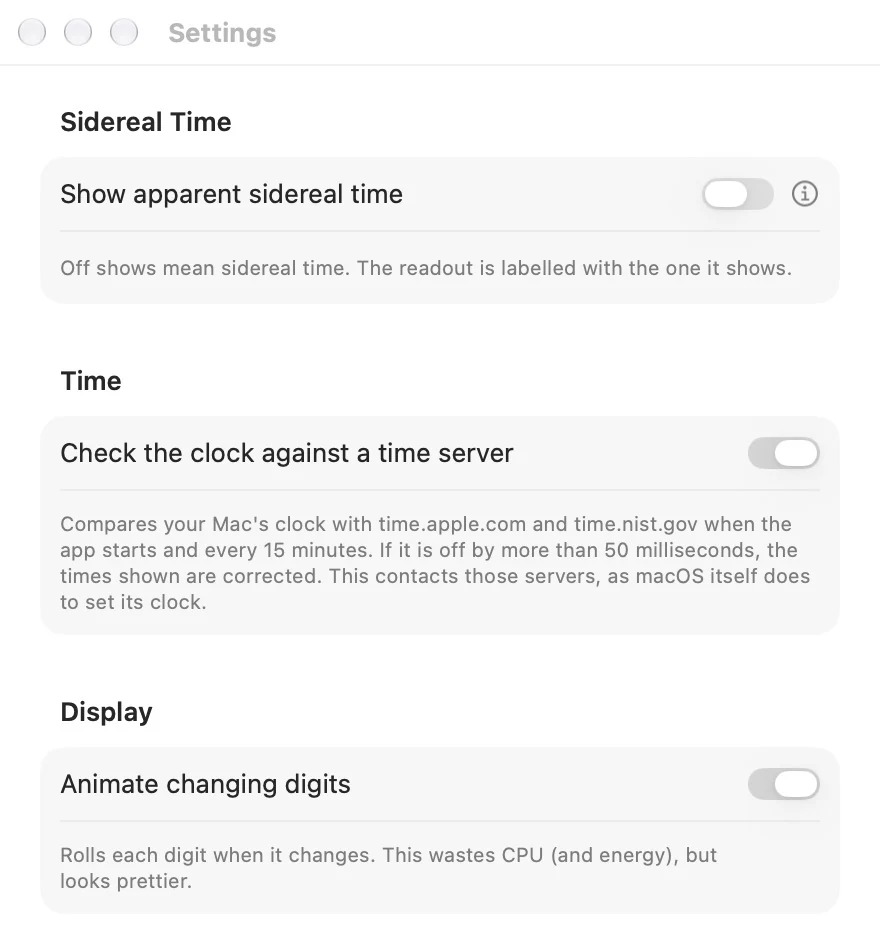
Greenwich mean sidereal time comes from the IAU expression as given in Meeus, Astronomical Algorithms, chapter 12, and local sidereal time adds your east longitude. A switch in Settings shows apparent sidereal time instead, adding the equation of the equinoxes from the short nutation series of Meeus, chapter 22 (never more than about 1.1 s). The readout is labelled with whichever it shows. The test suite checks both against the U.S. Naval Observatory's values at eleven instants from 2000 to 2040: the equation of the equinoxes agrees to within 9 ms and apparent local sidereal time to within about 10 ms.
A clock that is checked
A sidereal clock is only as good as the computer clock under it. At launch and every 15 minutes, Sidereal Clock asks time.apple.com and time.nist.gov for the time over NTP and compares it with the Mac's clock. A green dot means the Mac is within 50 ms. A red dot means it is off by more, and every displayed time is corrected by the measured offset. A hollow dot means the check could not be made to 50 ms (no answer, the servers disagreed, or the network was too slow), and the Mac's clock is shown as it is.
Julian Date to the second
The Julian Date is shown to five decimal places, a resolution of 0.864 s. The readouts are sampled 20 times a second and redrawn only when a value changes, so the sidereal time (which ticks every 0.99727 s) and the Julian Date never skip or repeat a value the way they would if updated once a second.
Your location, your way
Use your Mac's own location, or add named places by latitude and longitude in decimal degrees or degrees, minutes and seconds, or find one by name. Places you use are kept in Recents, newest first, and one can be made the default the clock opens on.
Privacy and network use
Sidereal Clock contains no analytics, advertising or tracking code, and sends no personal data to me. I document every network request it makes, when it happens and what it sends, in the Sidereal Loons privacy policy.
Support and FAQ
Questions, bug reports or feature requests: . Please include the app version from the About window.
Which longitude convention does it use?
East is positive, the usual astronomical convention, so Moorhead, Minnesota is at −96.76°. In degrees, minutes and seconds you choose E or W instead.
Can I use it without giving it my location?
Yes. Deny location access when macOS asks, and add the places you observe from by hand. The app then never asks Apple to name your Mac's position.
Why does the time check need the network?
To know how far off your Mac's clock is, it has to compare it with a reference clock. The requests are the same standard NTP queries macOS itself uses. If you would rather not, turn the check off in Settings and the app shows the Mac's clock as it is.
Is there a warranty?
No. It is provided free and without warranty of any kind.
Version history
- 1.01 (build 26), 22 November 2026
- New Help menu item explaining the toolbar buttons
- 1.0, 22 November 2026
- First public release